Wednesday, December 15, 2010

Final project

Aim: to model a dark environment using lighting, music, and imagery conducive to an eerie environment.

German expressionism has always been an interest of mine, primarily for the mood evoked by many pieces from this era. As someone interested in game design, specifically level editing, I spend a decent amount of time analyzing 3d environment found in various genres of games (first person shooter, survival horror and adventure games). I learned that one of the crucial elements to a great game is the environment- if designed well, an environment can tell a story by itself without the aid of dialogue. Players can form a story in their subconscious if a level designer creates an environment that fits the theme of the game or game sequence.


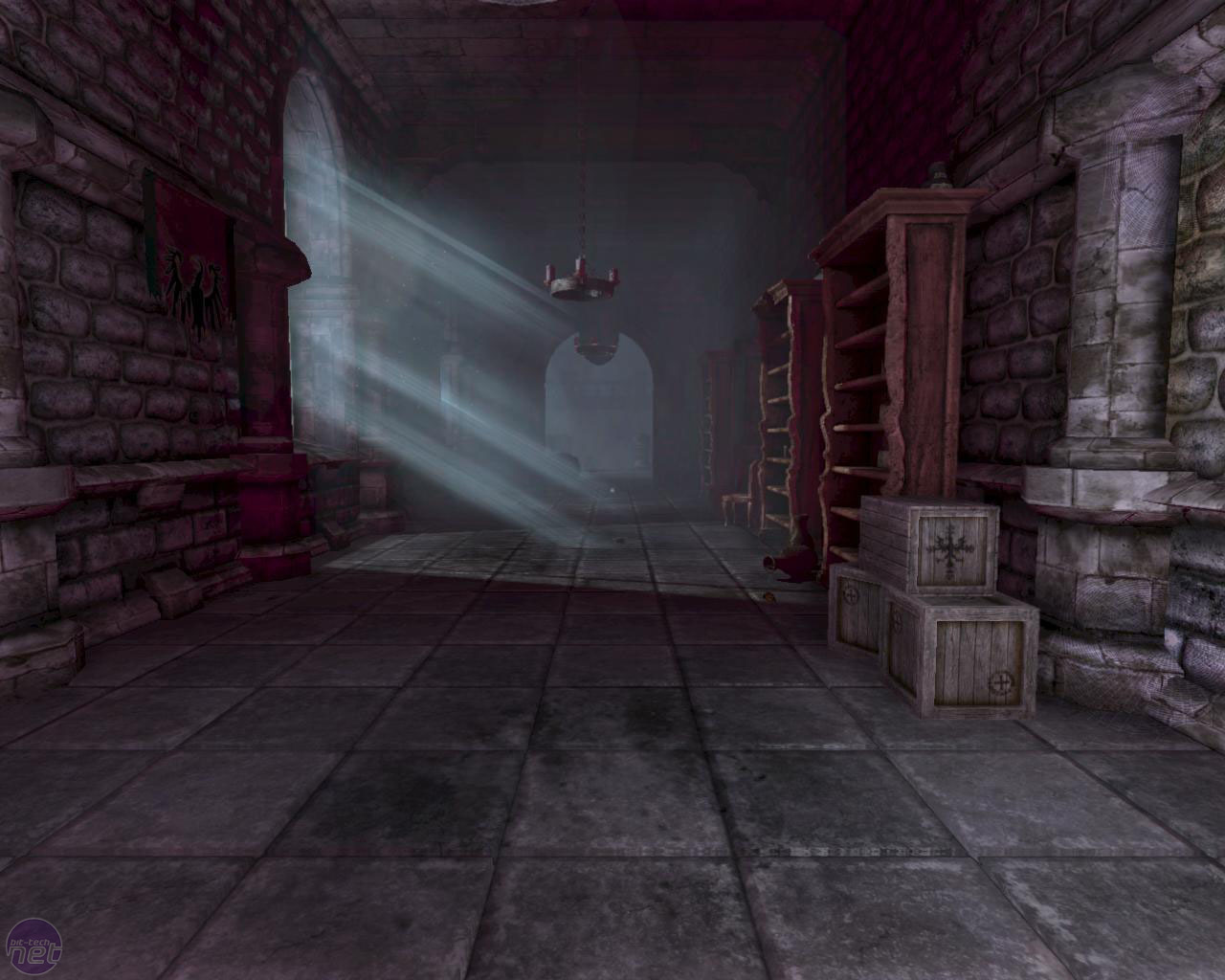
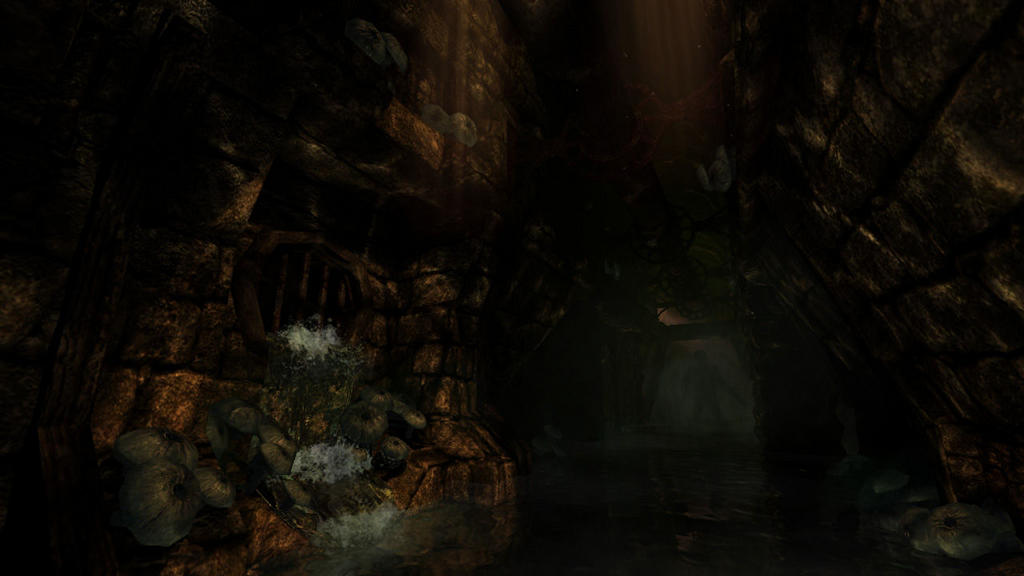
I recently discovered an amazing survival horror game entitled "Amnesia: The Dark Descent". It was created by an independent game studio and released in 2010. Unlike many mainstream games, Amnesia doesn't rely on spectacular graphics as a selling point- it relies upon the environment, both layout and audio. From a first person perspective, players must progress through levels by solving puzzles (interaction with objects through mouse gestures, such as moving the mouse in a circular fashion to turn a crank), avoiding horrifying monsters, and staying sane.

The catches:
  • No weapons are available to defend yourself with.
  • Environments are very dark and your only sources of light are a lantern and torches that you can light.
  • Your lantern has a limited oil supply that you must conserve. You can find oil throughout levels, but it is a scarce commodity. 
  • To light torches, you need tinderboxes that you find. Once torches are lit, you can't put them out.
Here's where it gets interesting. Monsters are placed both randomly and in set locations throughout levels. They're attracted to light sources, so you have to extinguish your lantern when you're nearby. The worst part: a "sanity" dynamic has been incorporated. If you stay in the dark too long, your sanity decreases. If you look directly at a monster for too long, your sanity drops drastically. The lower your sanity meter gets, the less control you have over your character. You begin to hyperventilate, your vision is adversely affected, your motor skills are decreased significantly, and monsters are drawn to you more quickly. Therefore, the primary goal is to run and hide in the dark, not looking at your adversary. You're forced to look away from it, so you can only guess where your enemy is through the sound of its movement. Oftentimes, an adversary will slink away, and you'll have no idea where it went when you progress.

 After a few hours of gameplay, I learned that most of the scares came from my own imagination working in overdrive. The phenomenal environments combined with meticulous sound engineering forced me into a perpetual fear of what was to come.

Instantly, I became interested in setting mood without relying on a concrete story. I wanted to develop a project in which the viewer can emotionally respond to it. I began to mentally formulate a simple environment with dim lighting and eerie imagery with an audio track to accompany it.

I wanted to model and animate a room. Beyond that, I had no concrete ideas. I began by modeling a polygon staircase. Starting with a rectangle, I beveled the top front edge so it would be rounded and not entirely square. Using duplicate special, I set the number of duplications and the transform attributes so each duplicate would be displaced in the x and y axis (to form the stairs). Moving on, I extruded the top stair's back face to form a landing. I extruded the landing's side faces to extend the landing. To make the banister's supports, I created a polygonal cylinder and duplicated special with transform. The railing itself is made of polygonal rectangles with 3 height subdivisions; the middle face was extruded inwards. Smooth shading was applied. Strategical placement of edge loops combined with vertex editing molded the final product.

In the final project, the cylinders on the stairs were scaled to intersect with the banister; not pictured here.
To texture the staircase, I applied a wood material, tweaked the settings, and deleted and applied new UVs because it was not projecting the wood material correctly.

To create the chairs in my project, I created a polygonal rectangle with multiple edge loops, extruded faces for legs, cushion, armrests, and back. After smooth shading it, I applied more edge loops, edited vertexes, and applied a simple red lambert material.

The fireplace went under complete revision. My original fireplace looked like a wood-burning stove. to make the revision, I started by creating a 3 point arc. Using the make polygon tool, I traced the arc, and continued to map out points to make an archway shape. I cut the face to make a rectangle on each side, and extruded those two faces to make the fireplace's walls. I placed the fireplace on a polygonal rectangle and added detail by creating two columns and molding on top. A marble material was applied to every face but the inside wall, where I applied a brick texture. I had to delete and add new UVs.

The candles on the walls were a simple polygonal cylinder with subdivisions. I scaled vertexes to make the shape and the wick. A simple lambert was applied. The candle holder is a polygonal cylinder with one side face extruded outwards (for connecting to the wall), and the top faces extruded, scaled inwards and downwards. Smooth shading was applied. Lambert material was applied.

The walls include molding that consists of three edge loops extruded, moved, and smooth shaded. A wood texture was applied. The material was blinn with a faint shine. The bottom section of the walls consists of a wood panel texture; the top half includes a grungy wallpaper. The pictures consist of a rectangle with the front face extruded inwards and scaled inwards; the frame's material is lambert wood and the image is from a file. Each different picture was a duplication, scaled in different directions with a new image file in the color attribute. Some frames have different wood material settings to subtly change colors.

The floor is a simple wood texture.

For setting up the camera, I used camera aim and up. I created an area light, changed it's dark color to gray, added decay so the light would not extend too far. I placed the area light directly in front of the camera and grouped them together so the light would always point where the camera would. To animate it, I just set keyframes as if someone was walking through the room and looking at pictures. I finished the project in Final Cut Pro, adding a title slide and music.

Reflections:

I ran into a lot of problems with this project. I started it on my laptop and put approximately 25 hours of work into modeling, texturing, and adding dynamics. In my original project, I set up a very complex rain particle effect that could be viewed through the house's windows. In essence, it was a particle that emitted from a polygonal plane with turbulence, gravity, opacity and color tweaks so the particles were streaks that fell at a random rate, were affected by invisible wind (movement of particles) and were relatively opaque. When they hit the ground, they interacted so that they split into three particles and dissipated. It looked like an actual raindrop hitting the ground and splashing. I brought my project to the mac lab on campus, and nearly ever version of the project crashed Maya. I had to start over nearly from scratch.

I figured that the particle effects were causing maya to crash, so I shifted the focus of my project to lighting effects and imagery as opposed to relying on dynamics. Strangely enough, my updated version of my project also caused maya to crash in the mac lab. I suspect it has to do with my version being 32 bit, whereas the mac lab's versions are 64 bit.

While I am satisfied with my project as it is, I believe there is a lot more I can do with it. In the future, I want to add a significant amount of detail to it, adding more aspects to the environment. I also want to learn how to control the camera more effectively.

The final render can be found here:
http://www.youtube.com/watch?v=B2GnmXudOhg

Tuesday, December 14, 2010

Low Man 1 Second walk sequence

So my attempts at low man were not entirely successful, but then again, were not entirely a failure. I couldn't get a very consistent walk technique down, but it probably had something to do with the way I was setting keyframes. In any event, I attempted to make low man walk to the best of my ability, and managed to get about a second long clip of him doing so.

I couldn't really figure out how to get his arms to move, so he looks like he's trying to balance as he walks.

Wednesday, November 3, 2010

Screwdriver using mental ray

This was the first time I've ever used mental ray during my explorations in maya, and I must say I'm happy with the outcome.


First, I made a cylinder with subdivisions on the width and I moved vertices around to get the shape I wanted to. To get groves, I made a long cylinder and duplicated it around the handle, then used the difference function to remove from the handle.The shaft was just a cylinder that I edited vertices on, then used difference to get the head.

The handle has a dielectric material attached to it, the shaft a dgs_material. I set up a spotlight and rendered.

Wednesday, October 20, 2010

Midterm: Stealth Bomber

I got the inspiration for a stealth bomber after playing Call of Duty, a first person shooter.

Reference image:

Proposal:
One of my primary interests in learning maya is to get a solid foundation in animation and modeling so that hopefully one day I can get a job in the video game industry. The highest selling first person shooter (Call of Duty: Modern Warfare 2) prides itself on visually stimulating and challenging online play. One dynamic of versus play is the ability to gain various perks to aid a player throughout the course of one match. One of those rewards is a stealth bomber, or a low flying aircraft that plasters the game map with bombs. If one looks up as a stealth bomber flies over head, the plane covers most of the visible sky as it is so close, and is truly a spectacular sight.

Going into this project, I had no idea where to begin, but I decided that a rich environment (nice sky) was important, and so I set out on looking up tutorials for environments.

To model the stealth bomber:

I started my project by outlining the bomber with a CV curve. I turned the CV curve into a polygon and extruded it. Then I scaled the top face slightly smaller, and added a cube for the cockpit. After moving around vertexes and faces, the model was done. Note: I tried to texture the bomber and ran into difficulty, as unwrapping UVs was something I had never done before. I scrapped a texture for a solid color.

I had to make an environment, so I made a polygonal plane with 20 subdivisions. I edited the geometry by using the sculpt geometry tool, and made hills. After applying a sand texture, I was done.

I made a missile by creating a polygonal cylinder with 4 height subdivisions, and extruded fins as well as making a pointed tip. I didn't apply a material to it.

The missile's motion was set to a CV curve, after I created a motion path. A cloud particle starts emitting around 40 frames into the animation, and stops a few frames later.

The sky and clouds are 3d containers. I used this guide:

http://www.sharecg.com/v/5501/Text-Entry-Tutorial/Making-Realistic-looking-Clouds-In-Maya?interstitial_displayed=Yes

Lastly, the project is enclosed in a polygon sphere that has a gray-blue gradient.

Self Evaluation:

In my mind, I had assumed that my project was reasonable and that I would not run into complications, a mistake I often make in the world of digital arts. To begin, my inexperience as a modeler contributed to a stealth bomber that wasn't quite what I wanted; I wanted more detail but didn't know how to go about it.
Furthermore, I attempted to follow a tutorial that explained how to make an explosion affect, and wanted the bomb to explode upon impact, but no matter how hard I tried, could not get it to work, leading to much frustration.
My favorite aspect of my project was the sky. I got to understand 3d fluid containers a little more, and came to realize their potential and power. While the animation was simple, it was a large step for me in learning about numerous topics in the animation world.

Wednesday, September 15, 2010

Guard Rail

This is a guard rail. It is made up of five cylinders and a quarter of a torus. The texture needs to be altered, but as this is my first attempt at doing it, I'm satisfied.

Bouncing Ball Tutorial


http://www.youtube.com/watch?v=DLAisVR1xHI

This is the first project from Learning Maya. I followed the text's guidelines for the most part. I set keyframes in a manner that made the ball seem like it was actually bouncing realistically (to the best of my abilities). There is definite room for improvement on the bounce's physics, and I'll probably fix it once I learn how to.

There's not much to this one aside from using squash and stretch, something I don't know how to fully utilize.

Models from Primatives: Deadmau5 and rabbit

Rabbit head


Deadmau5

The rabbit head was my first attempt at 3d modeling. I played around with various tools until I achieved the effect that I wanted. 

Deadmau5 consists of 3 spheres and two cylinders. I stretched the cylinders in such a manner that they became ears. This was my first real attempt at 3d modeling, and while I know I have a long way to go, I'm excited to get started.